What are Webhooks?
Webhooks are automated HTTP POST requests sent to your server when something happens in CallKaro AI — a call ends, a customer replies on WhatsApp, a template goes out. They let you push real-time data into your CRM, database, or internal tooling without polling our API. Every webhook uses the same envelope, so one endpoint can handle all of them:event, read data. New events may be added over time, so ignore events you do not recognise rather than erroring.
The event catalogue
Only
call_ended is enabled by default. Message events are opt-in — an account that has never touched the event list keeps receiving exactly call_ended and nothing else, so enabling this feature never changes a live integration.
A template send fires
template_sent, not message_sent. The two are split because campaign-style integrations want template sends without every conversational reply alongside them.
Webhook destinations
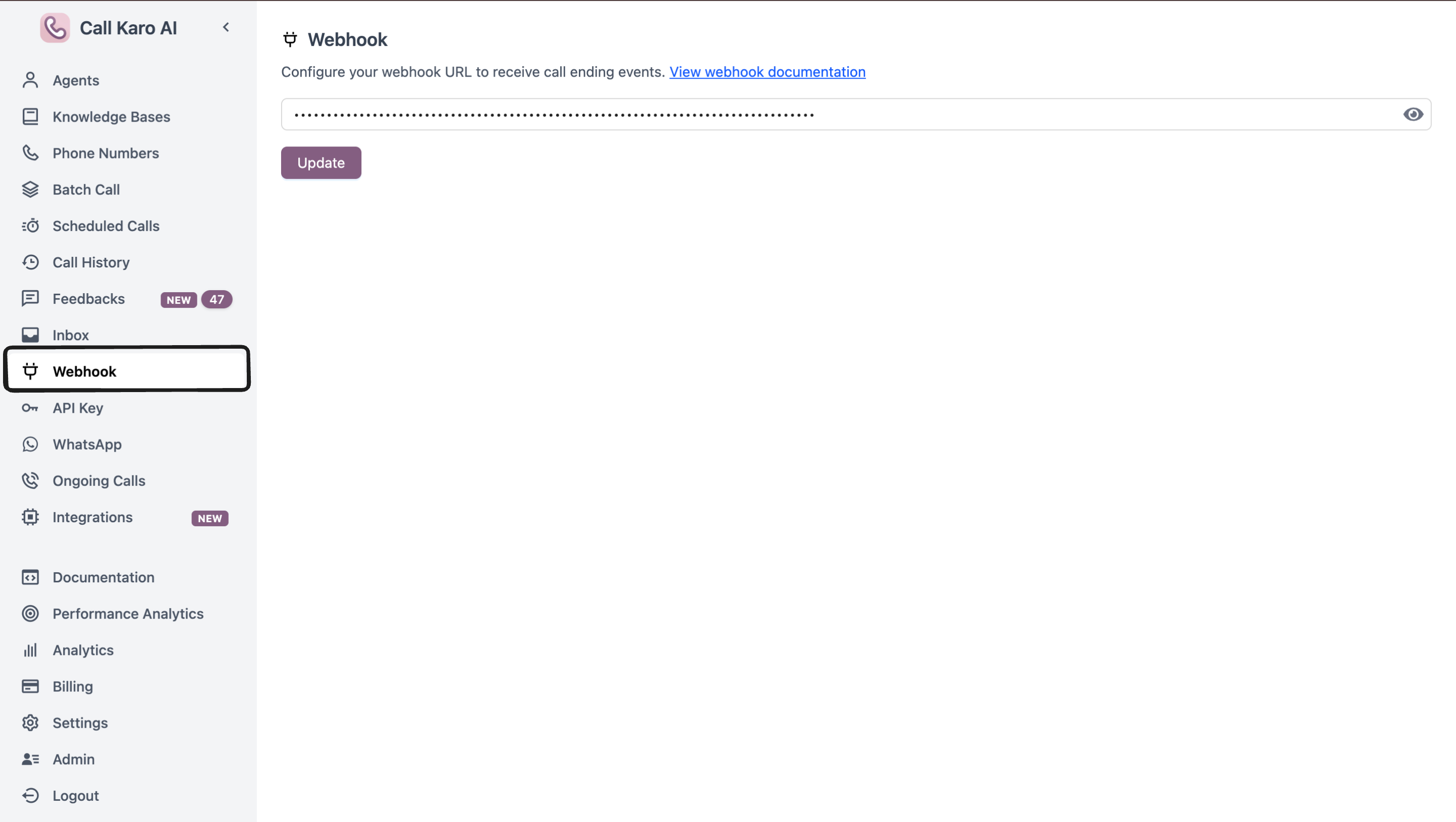
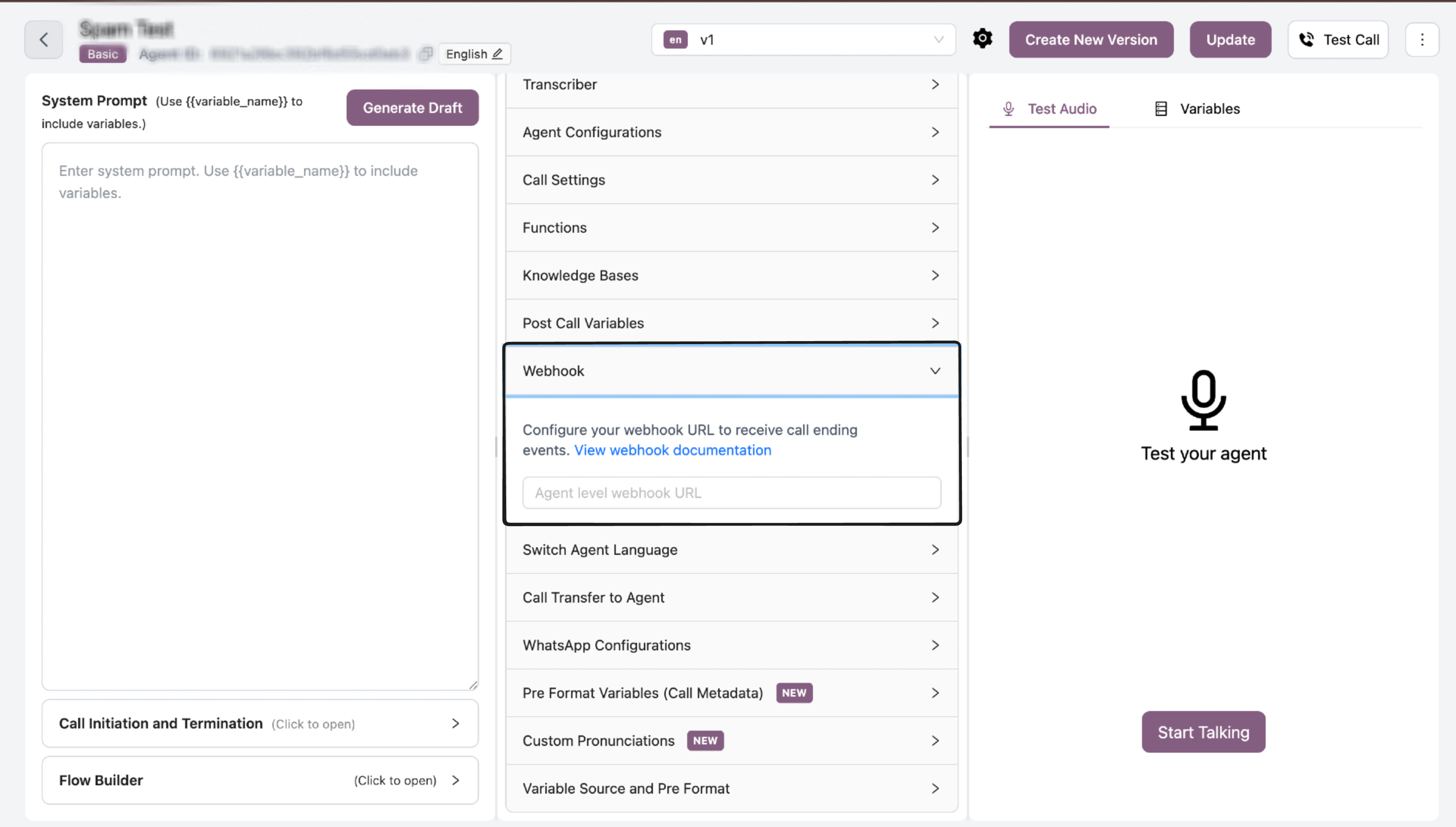
You can configure up to three destinations, and each one has its own URL, its own headers, and its own subscription. They are independent — there is no precedence between them, so turning message events on account-wide does not turn them on for every agent.- Account level
- Voice agent level
- Chat agent level
Configuration: Dashboard → WebhookScope: every agent on the account, voice and chat.Subscribes to: any of the five events.Best for one central integration — a single endpoint that logs everything, or one CRM sync for the whole account.
Destinations are additive. If the account webhook and a chat agent’s webhook both subscribe to
message_received, that message is delivered to both URLs — two separate POSTs with an identical body.Choosing events
- Open Dashboard → Webhook (account level) or the agent’s Webhook panel.
- Enter your endpoint URL.
- Toggle on the events you want.
- Save.
Custom headers
Each destination can carry its own headers, which is how you authenticate the request back to yourself:Content-Type: application/json is always set for you.
Referencing a secret keeps credentials out of your agent config — the same
x_secrets.NAME convention custom functions use. If the named secret does not exist, that header is omitted rather than sent literally, since shipping the string x_secrets.MY_TOKEN as an Authorization value would fail auth in a way that is much harder to diagnose than a missing header.Delivery and retries
A
4xx means your endpoint understood the request and rejected it — retrying would send the identical payload into the identical rejection, so we stop. If you want a delivery retried, return 5xx.
Best practices
- Use HTTPS — always, and especially when passing a secret header
- Respond fast — acknowledge with
2xximmediately and do your processing asynchronously; a slow endpoint burns through the timeouts - Switch on
event— and ignore unknown events instead of failing, so new events do not break you - Be idempotent — retries and multiple destinations both mean you can see the same event more than once. Deduplicate on
msg_idfor messages andcallSidfor calls - Subscribe narrowly — every event you do not need is traffic you have to absorb, especially
message_status_updated
Event reference
Call Ended
call_ended — transcript, duration, post-call variablesMessage Events
message_received, message_sent, template_sentDelivery Status
message_status_updated — sent, delivered, read, failed