Overview
Connect Heltar to enable WhatsApp messaging capabilities with your AI agents. Heltar allows you to send WhatsApp messages during and after AI calls using approved templates. Benefits:- Send follow-up messages after calls
- Share links and confirmations on WhatsApp
- Automate WhatsApp outreach
- Track message delivery
Integration Steps
Step 1: Get API Key from Heltar
- Log in to your Heltar dashboard
- Navigate to API settings
- Copy your API key

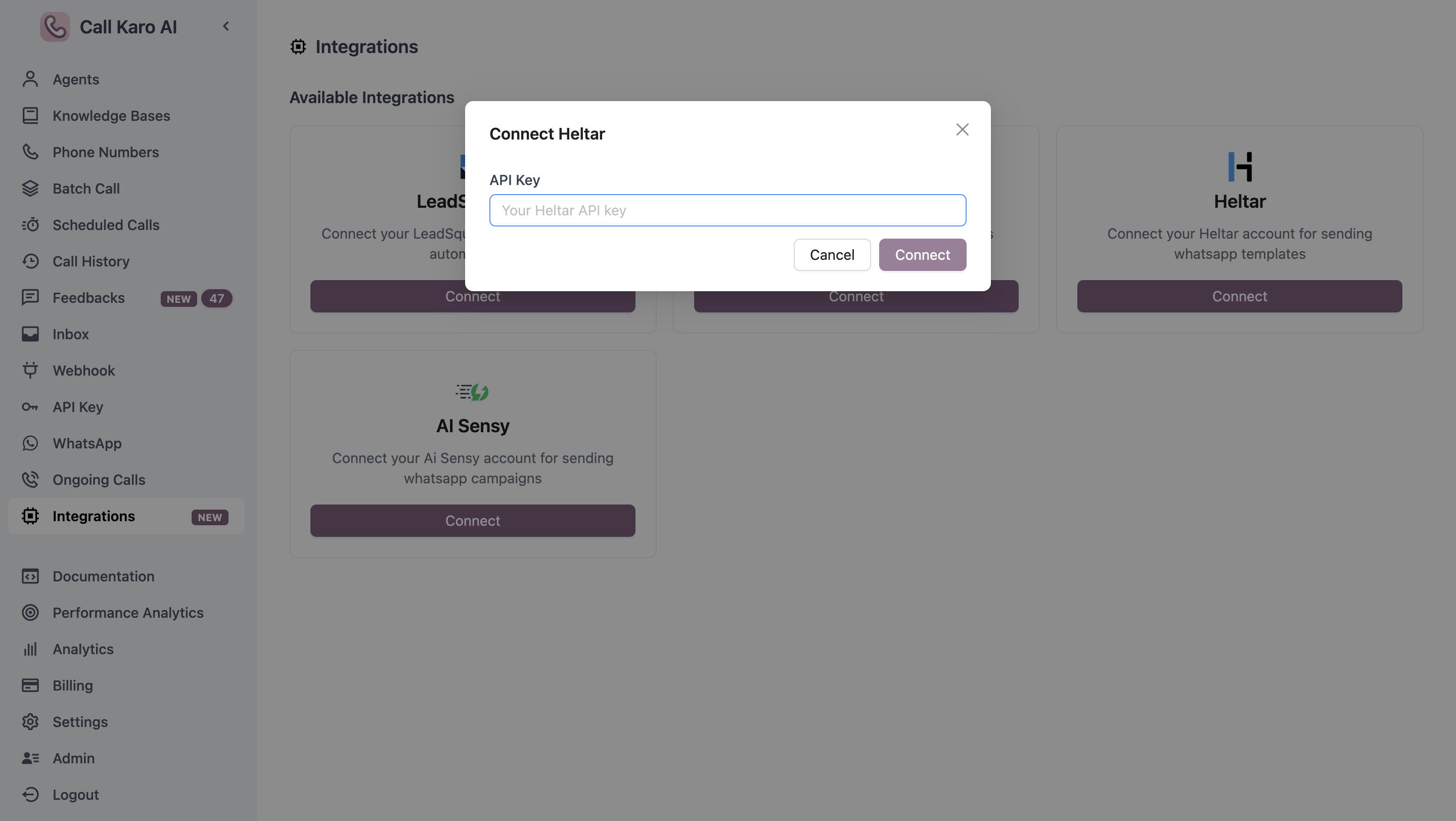
Step 2: Connect Heltar in CallKaro
- Navigate to Dashboard → Integrations
- Find Heltar integration
- Click Connect
- Paste your Heltar API key
- Click Save
Configure WhatsApp Messaging
Once Heltar is connected, you can configure WhatsApp messaging for your agents.WhatsApp Configuration
Learn how to set up WhatsApp messaging for your agents
Ensure you have approved WhatsApp templates in your Heltar account before configuring agent messaging.