Overview
The Book a Meeting function allows your AI agent to schedule meetings directly through Cal.com during calls. Customers can book appointments without leaving the conversation. Requirements:- Active Cal.com account
- Cal.com API key
- Cal.com Event ID
Setup
Step 1: Get Cal.com API Key
- Log in to Cal.com
- Go to API Keys Settings
- Click Generate API Key if you don’t have one
- Copy the API key
Step 2: Get Event ID
- Go to Event Types in Cal.com
- Click on the event type you want to use for bookings
- Copy the Event ID from the URL
- Example URL:
https://app.cal.com/event-types/{event_id} - Event ID in this example:
{event_id}
- Example URL:
Step 3: Configure in CallKaro
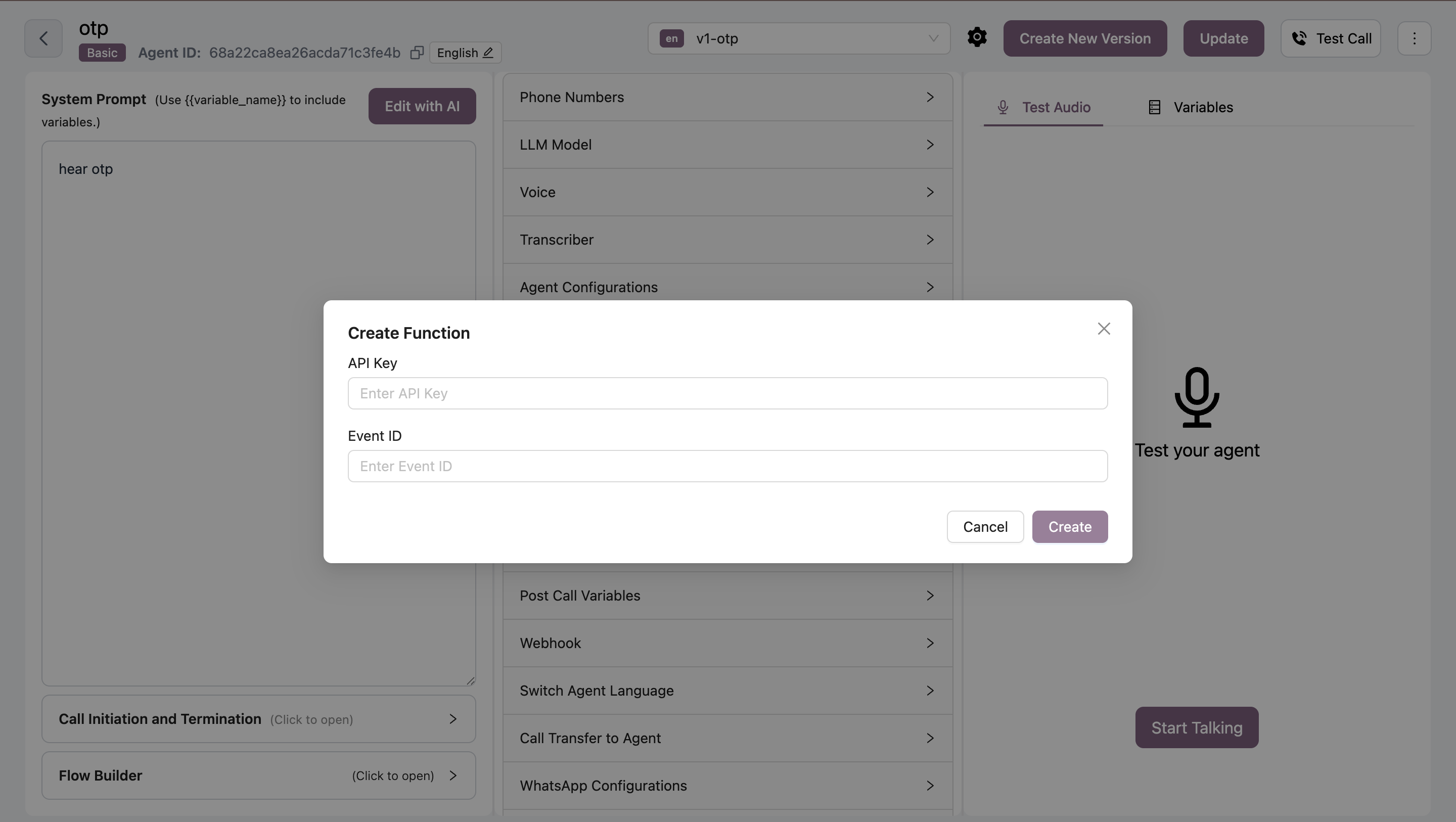
How It Works
- Customer requests booking - AI detects scheduling intent
- AI checks availability - Queries Cal.com for open slots
- Customer selects time - AI presents available times
- Booking confirmed - Meeting scheduled in Cal.com
- Confirmation sent - Customer receives booking details
Use Cases
- Sales demos - Schedule product demonstrations
- Support calls - Book follow-up support sessions
- Consultations - Arrange consultation appointments
- Onboarding - Schedule onboarding calls
Best Practices
- Single event type - Use one event type per function
- Clear availability - Ensure Cal.com calendar is updated
- Email collection - Collect customer email for confirmations
- Time zones - Set correct timezone in Cal.com
Bookings are created in your Cal.com account and follow your availability settings.
Troubleshooting
Bookings not working
Bookings not working
Solutions:
- Verify API key is correct
- Check Event ID matches event type
- Ensure event type is active in Cal.com
- Confirm availability slots exist
No available times
No available times
Solutions:
- Update Cal.com availability
- Check calendar for conflicts
- Verify event duration settings
- Review buffer time configuration