Overview
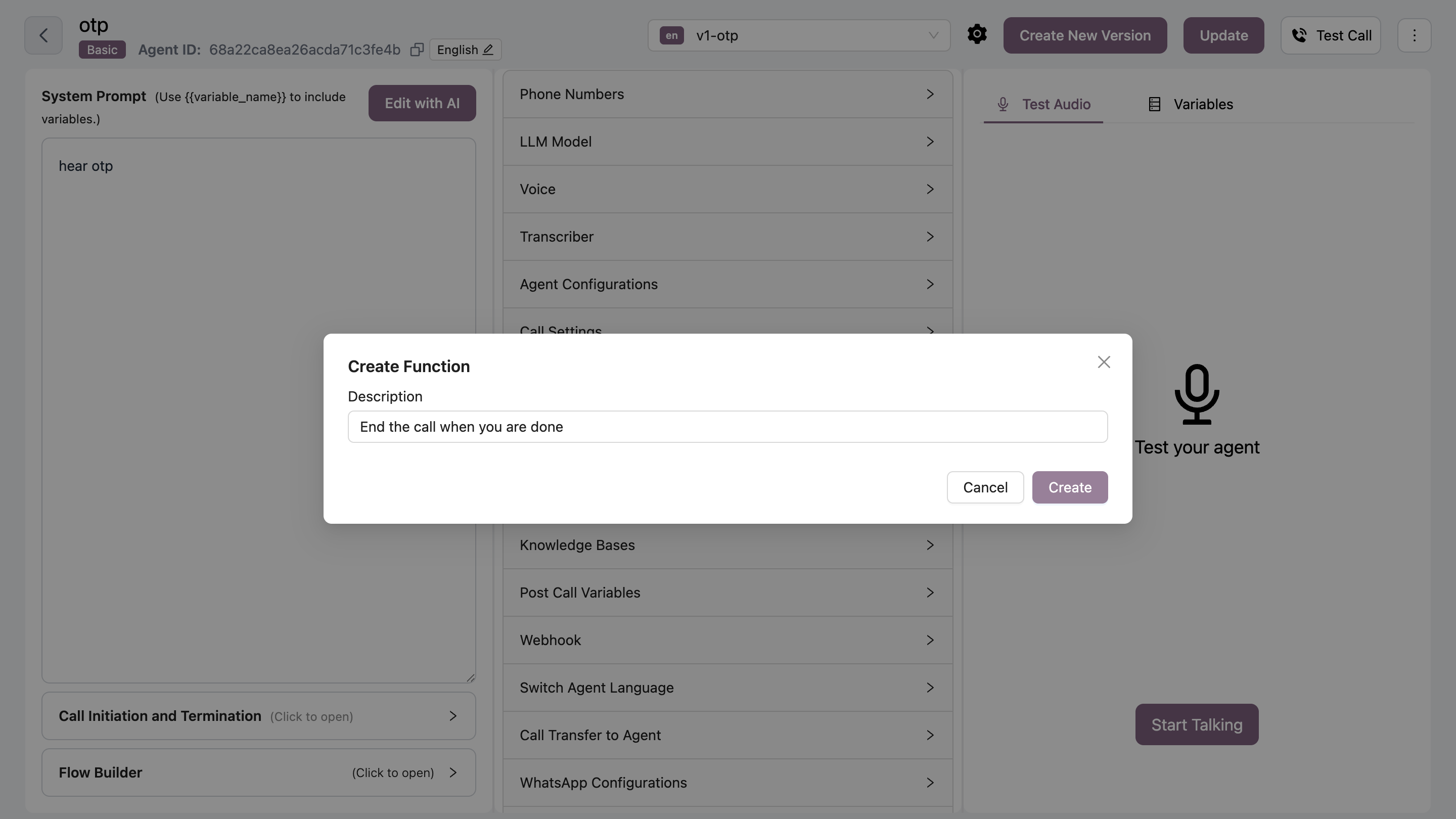
The End Call function allows your AI agent to end calls when the conversation naturally concludes or when requested by the customer. Use Cases:- Customer says goodbye
- Conversation objective achieved
- Customer requests to end call
- No further assistance needed
Configuration
Common Triggers
Include these common end-call phrases:- “Goodbye”
- “Thank you, that’s all”
- “No more questions”
- “That helps, thanks”
- “I’m good, bye”