What it is not
- It is not a call-auditing tool. Auditing happens elsewhere in the platform; KPI Manager consumes those audits as evidence.
- It is not a dialer or campaign manager. It does not change who gets called.
- It does not change your agent by itself. Every recommended fix is reviewed by a human before anything ships.
Why it matters
Most teams can already see that a number dropped. What costs them money is the days it takes to find out why. KPI Manager closes that loop overnight.Who benefits
Core concepts
Six ideas cover the whole product. Everything else is detail.Where to find it
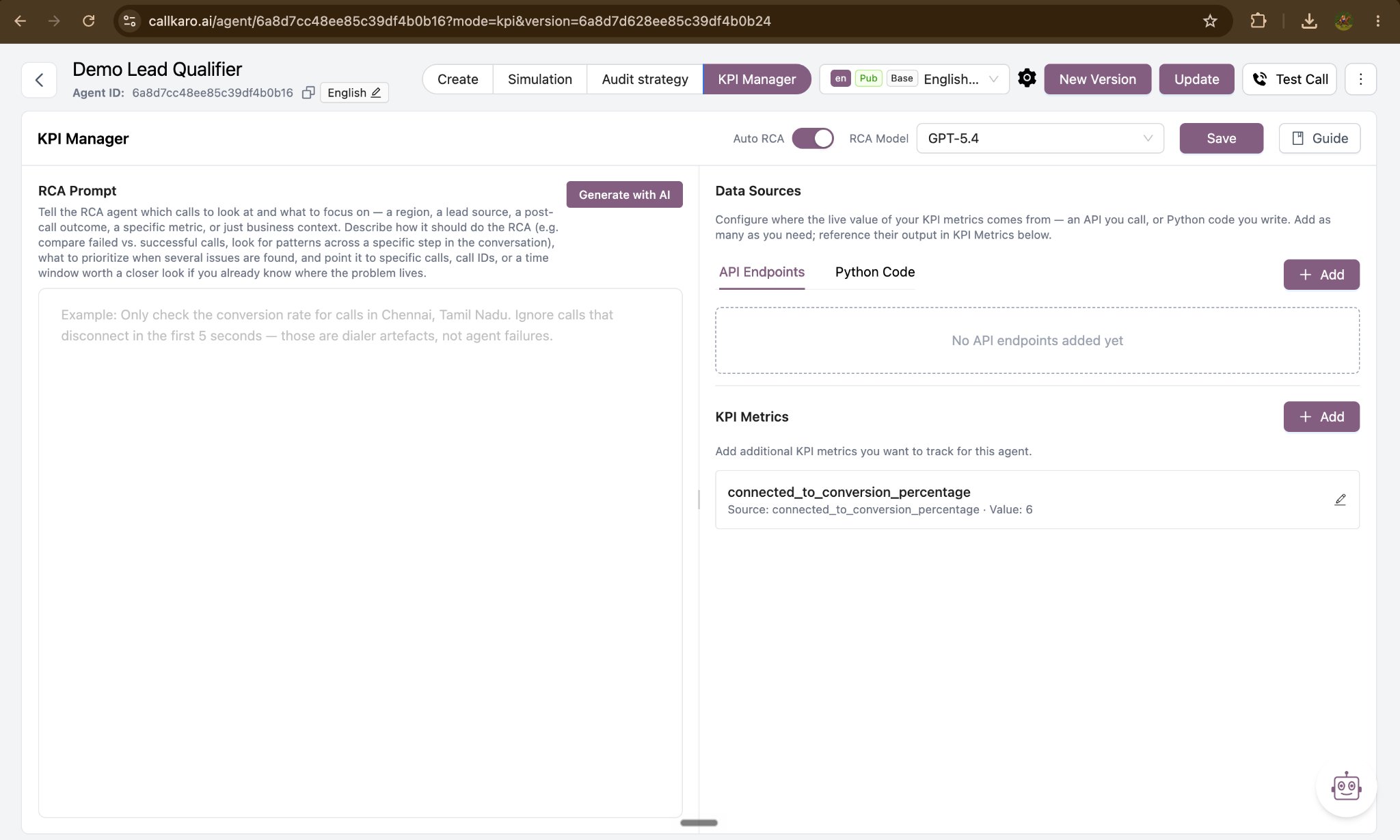
KPI Manager appears in two places, and the distinction matters: one is where you set it up, the other is where you read the results.
Next steps
How it works
The daily pass, and when an analysis does and does not run.
Set up KPI Manager
Add data sources, define metrics, and write the RCA prompt.
Read the results
Charts, RCA reports, and the day-wise timeline.
Run a manual RCA
Analyse a call set you choose yourself, on demand.