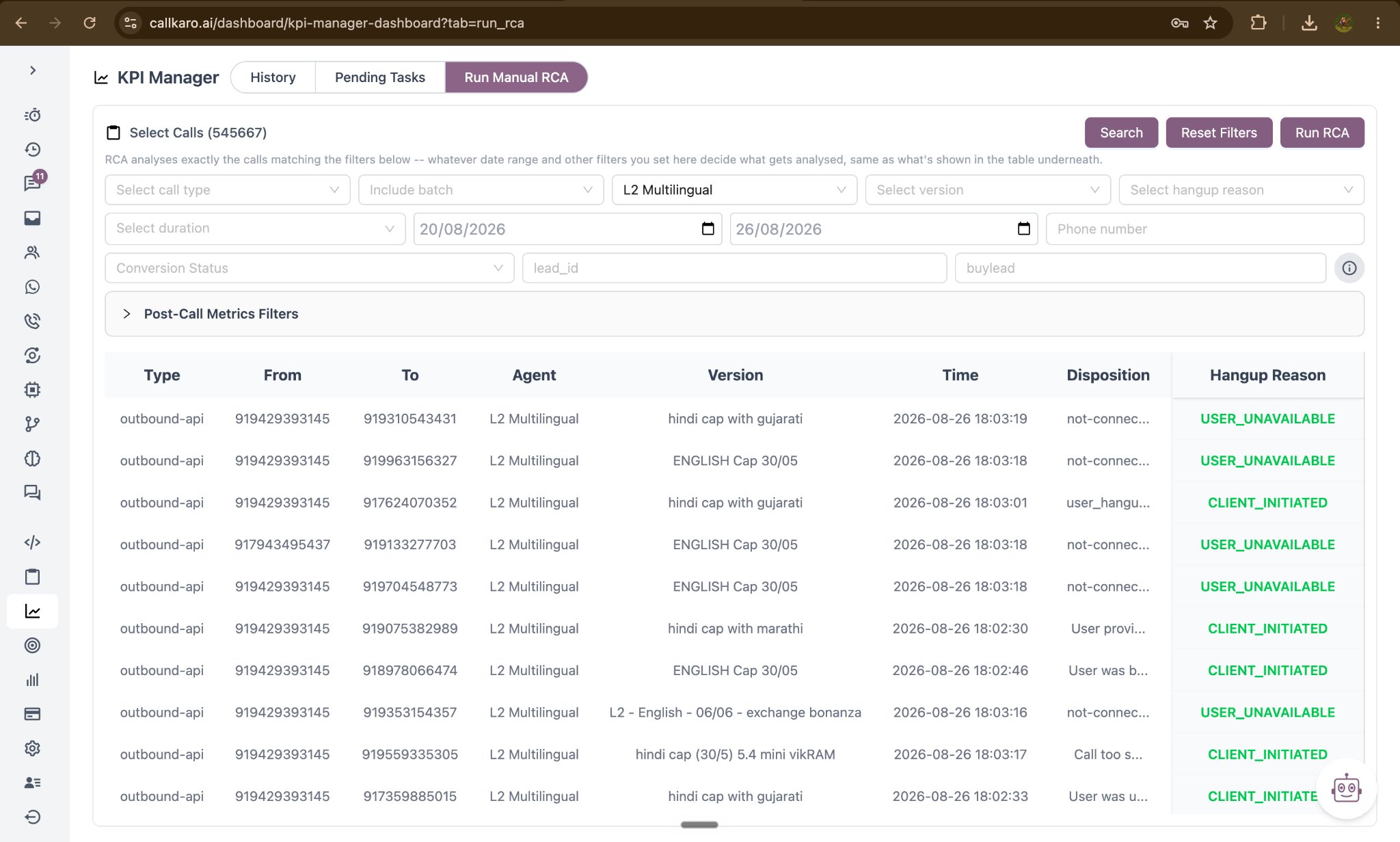
Running one
1
Filter the calls
Choose the agent and filter the call list by date range and any other available criteria.
2
Select the calls
Review the results and select the calls you want analysed. The count is shown as you select.
3
Set the run's parameters
Select Run RCA, then set:
- Target (%) — the value to measure this run against.
- RCA Model — the model for this run.
- RCA Prompt (optional) — focus for this run only; it does not overwrite the agent’s saved prompt.
4
Read the report
The run starts in the background. When it finishes, the report appears in History → RCA, tagged Manual.
Manual runs work regardless of the Auto RCA setting, which makes this the right tool for investigating a specific complaint, testing a prompt idea before committing to it, or analysing a single campaign.